
|
Constructor™ Preferences |
Constructor has a massive amount of optional parameters you can invoke on everything from the dialog view to the specifics of the translations that you perform. It's easy to get intimidated by the sheer amount of preferences, but don't be. They are logically laid out and hopefully intuitive. MOST IMPORTANTLY remember that all of them are optional, they are not necessary for successul basic operation.
And this isn't the only Preference dialog! This is only the general ones. Preferences for specific formats are in the Format Preferences dialog section.
Clicking the top pulldown menu determines what shows in the Preference pane. Click below on what Preferences you want Help for.
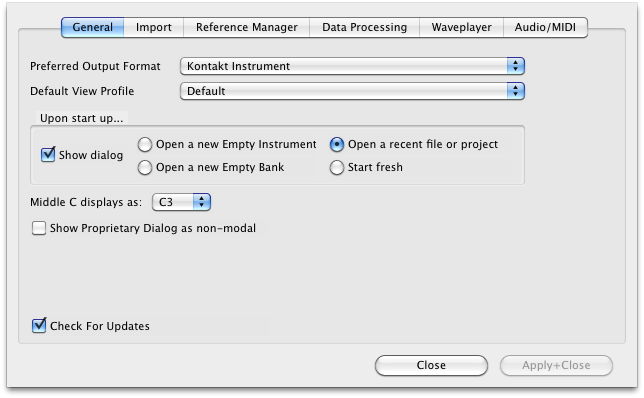
General And this isn't the only Preference dialog! This is only the general ones. Preferences for specific formats are in the Format Preferences dialog section. Clicking the top pulldown menu determines what shows in the Preference pane. Click below on what Preferences you want Help for. |
 |
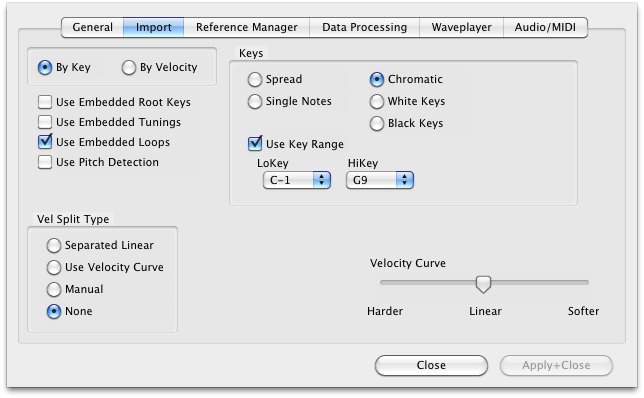
Import And this isn't the only Preference dialog! This is only the general ones. Preferences for specific formats are in the Format Preferences dialog section. Clicking the top pulldown menu determines what shows in the Preference pane. Click below on what Preferences you want Help for. |
 |
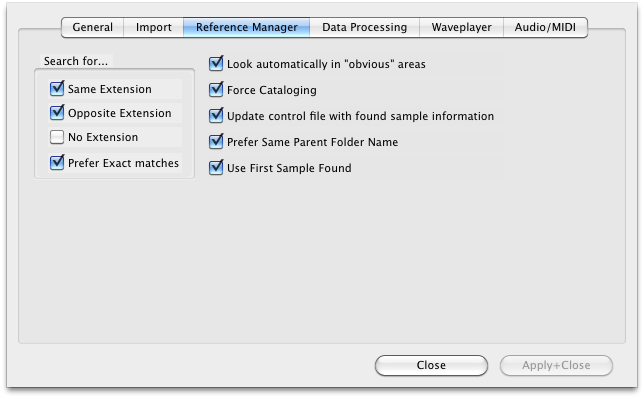
General And this isn't the only Preference dialog! This is only the general ones. Preferences for specific formats are in the Format Preferences dialog section. Clicking the top pulldown menu determines what shows in the Preference pane. Click below on what Preferences you want Help for. |
 |
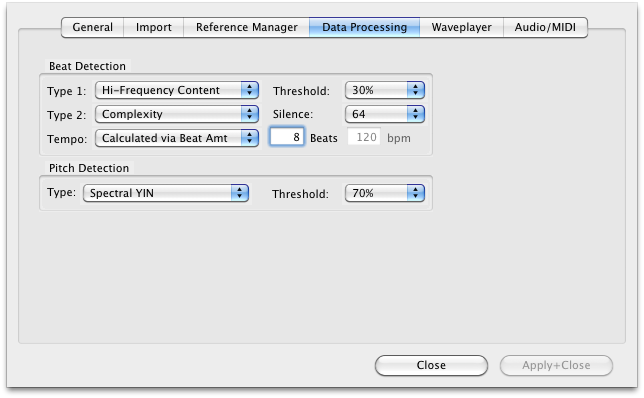
General And this isn't the only Preference dialog! This is only the general ones. Preferences for specific formats are in the Format Preferences dialog section. Clicking the top pulldown menu determines what shows in the Preference pane. Click below on what Preferences you want Help for. |
 |
General And this isn't the only Preference dialog! This is only the general ones. Preferences for specific formats are in the Format Preferences dialog section. Clicking the top pulldown menu determines what shows in the Preference pane. Click below on what Preferences you want Help for. |
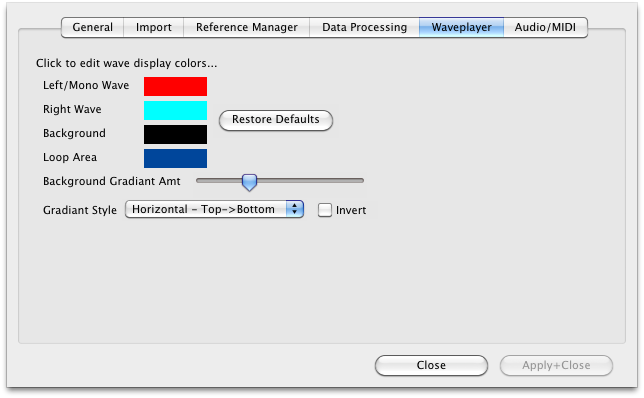 |
General And this isn't the only Preference dialog! This is only the general ones. Preferences for specific formats are in the Format Preferences dialog section. Clicking the top pulldown menu determines what shows in the Preference pane. Click below on what Preferences you want Help for. |
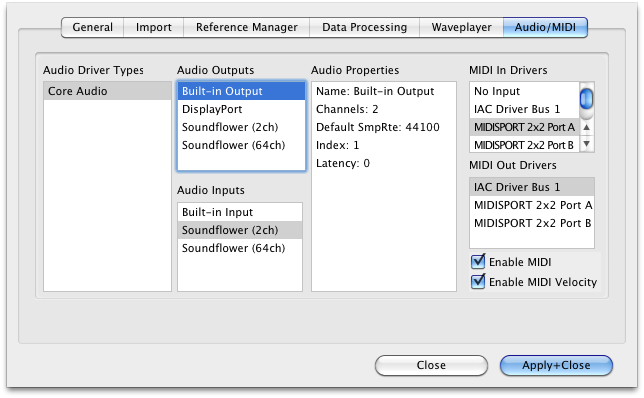 |